
Features

Budgeting
Build accurate project quotes in minutes
Profitability
Take the guesswork out of project success
Controlling
Effortlessly achieve precise data quality
Reporting
Deep insights into your project business
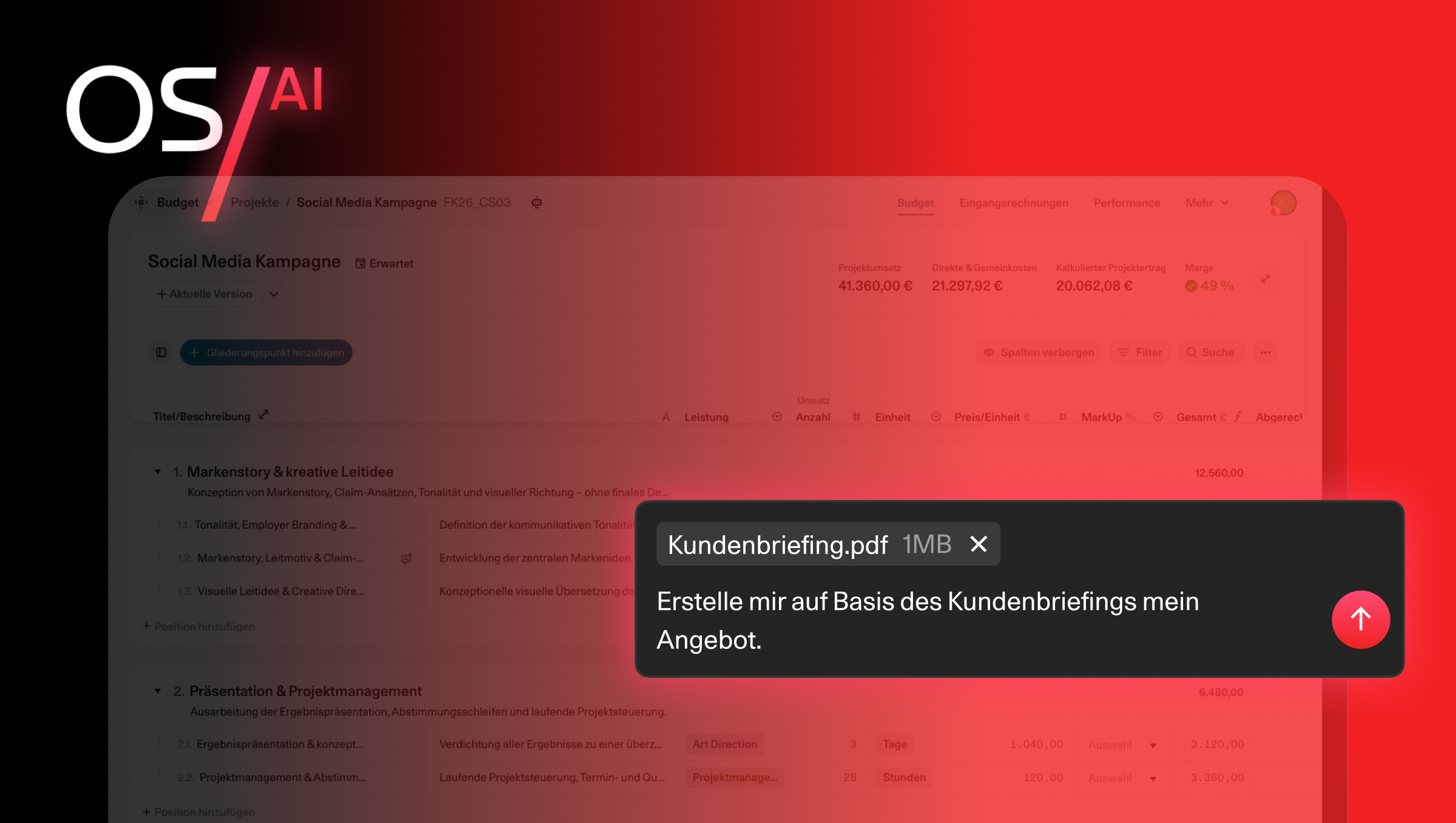
OS/ AI
Der AI Agent für Agency Intelligence. Eingebaut in OS/.
Project billing & e-invoicing
Working hours and project time at a glance
Time tracking
Working hours and project time at a glance
Contacts
Keeping your customer and supplier data up to date at all times
Customer satisfaction
Give project stakeholders a voice
my OS/
Companion iOS and Android app for insights on the go
Solutions
Expected
Projects that meet all your expectations
True Labor Costs
Know your true labor costs down to the cent
Overhead Cost Factor (OCF)
Complete control over your overhead
Benchmarks
Gain clear insights into your competitive situation
Multi-company setup
Multiple companies, one team? Easy with OS/
Onboarding & User Support
No time for onboarding, training, and support? No problem with OS/
For
Workflows
New in project controlling: Full transparency with the Budget Detail Dialog
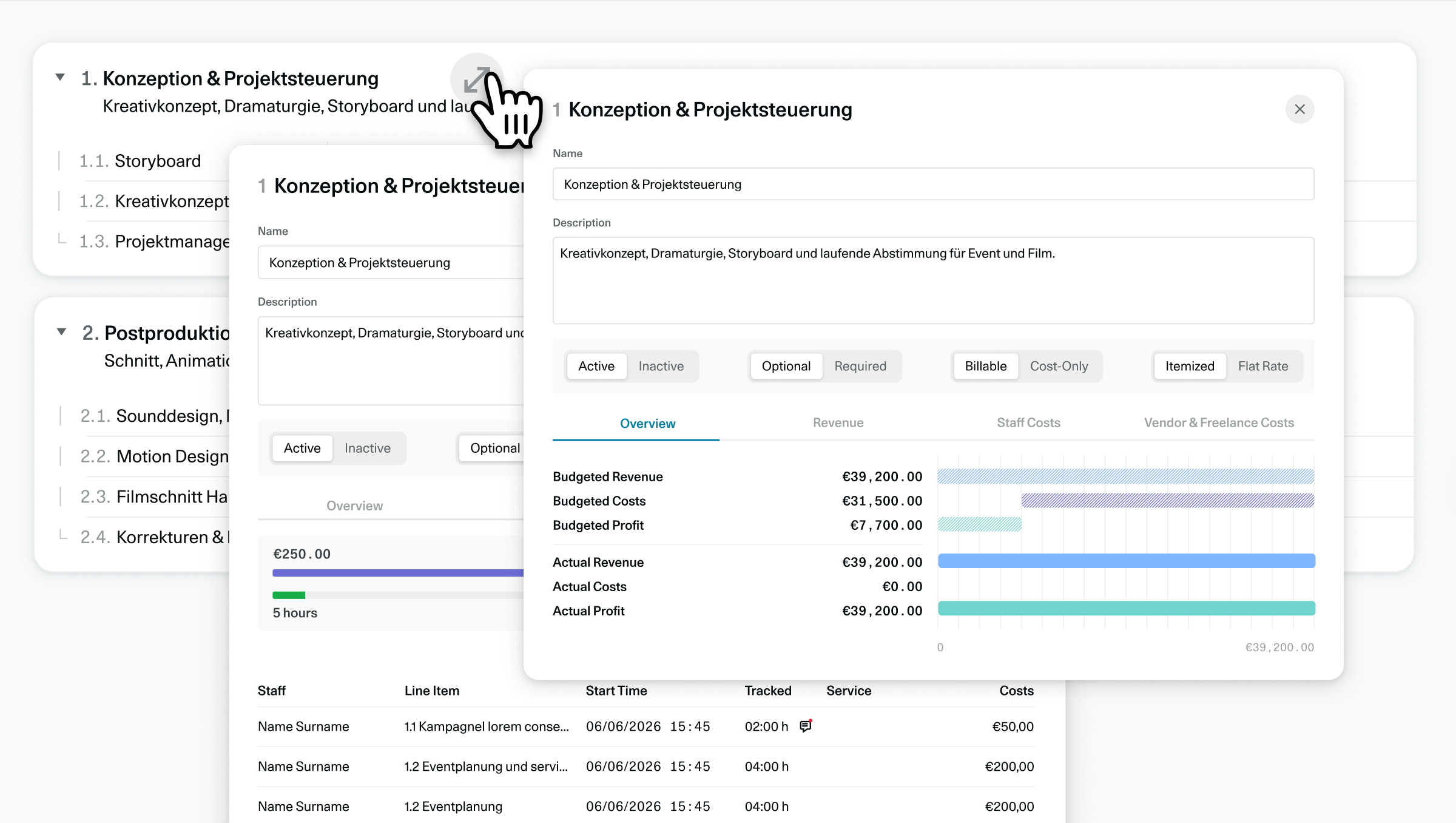
We have great news for your project controlling!
With our latest update, you can now find the Budget Detail Dialog.
From now on, you can maintain maximum oversight of revenue and costs at every level of your budget, whether for entire outline items or individual calculation line items, .
What can the new Budget Detail Dialog do?
If you want to dive deep into your calculation line items, simply click on the detail icon for the respective item.
You can immediately see if planned revenue and actual values align, and easily keep track of logged hours, freelancer costs, and supplier invoices.

If you prefer to monitor your project at the high-level outline items, clicking the details icon gives you the full overview.
You can see at a glance whether your project phase or sub-project remains profitable, how costs are distributed across your outline items, and how much of your budget has already been converted into invoices.

In both views, you also have direct access to your own custom fields . Fast, visual, and without interrupting your workflow.
6 Wochen
Unverbindlich testen
Teste OS/ kostenlos und unverbindlich mit deinem gesamten Team, mit vollem Funktionsumfang und kostenlosem Support...