

Project Cost Budgeting
Project Estimates for Agencies—From Briefing to Quote in Minutes
OS/ combines the speed of Excel with the structure of professional agency management software: Templates, the service catalog, and OS/ AI turn inquiries into finished quotes. Simple and precise.
What is OS/ Project Budgeting?
Calculate like in Excel. Structured like an ERP system.
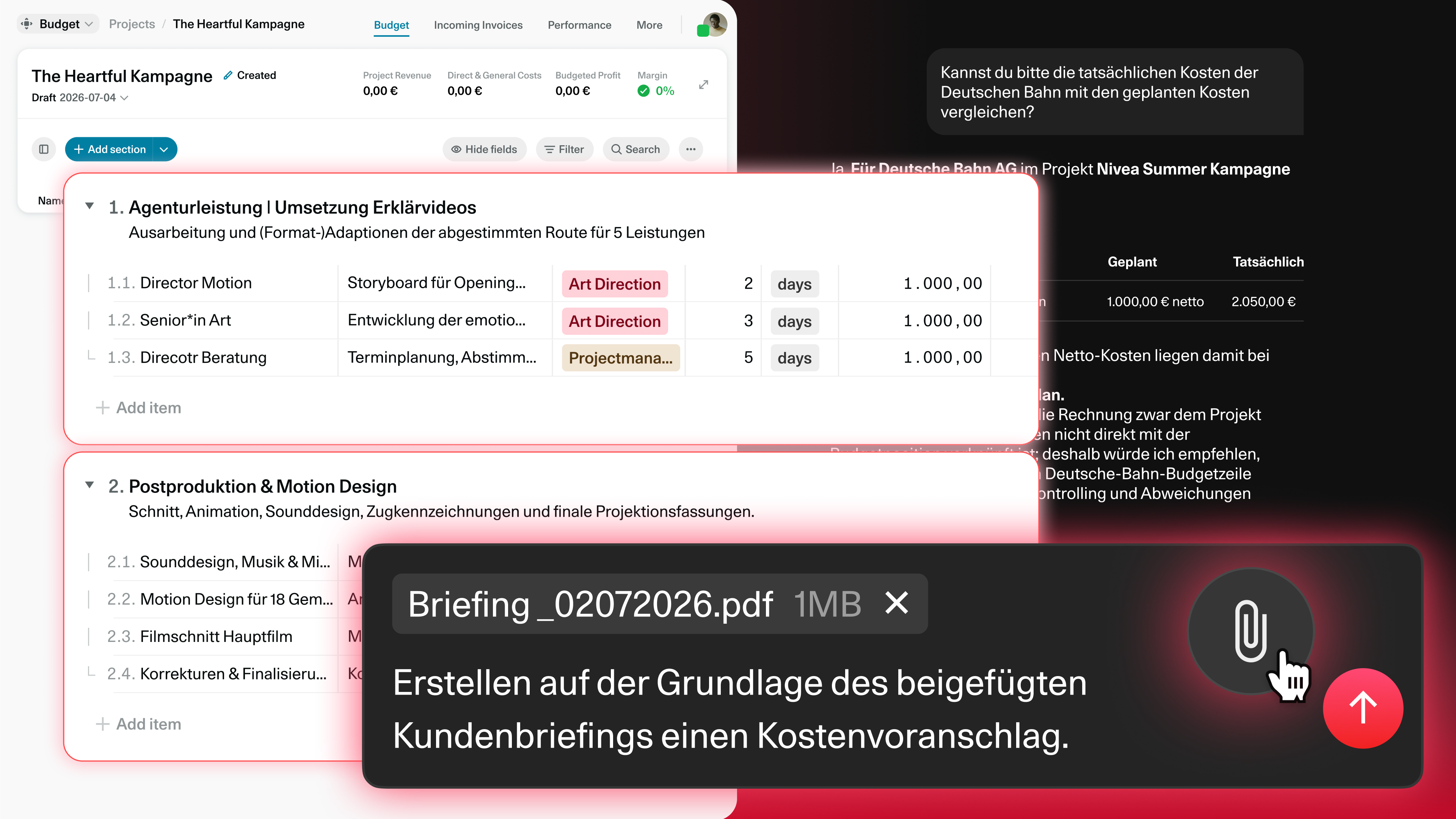
The project costing feature in the OS/ Agency Management Software builds budgets from line items with quantity, price, and cost source—editable like a spreadsheet, but with structured data: Prices are sourced from the service catalog; templates and proven cost estimates can be applied via drag-and-drop; and OS/ AI generates complete quotes directly from the client briefing.
Here's how it works
From Inquiry to Quote—in Three Steps.

Scope it right
Turn the briefing into a complete plan before work begins.

Price it right
Build on your agency's services, rates and cost assumptions.

Protect the margin
Review expected profitability before sending the offer.
Budget & Breakdown
Freedom from Excel—with structured data.
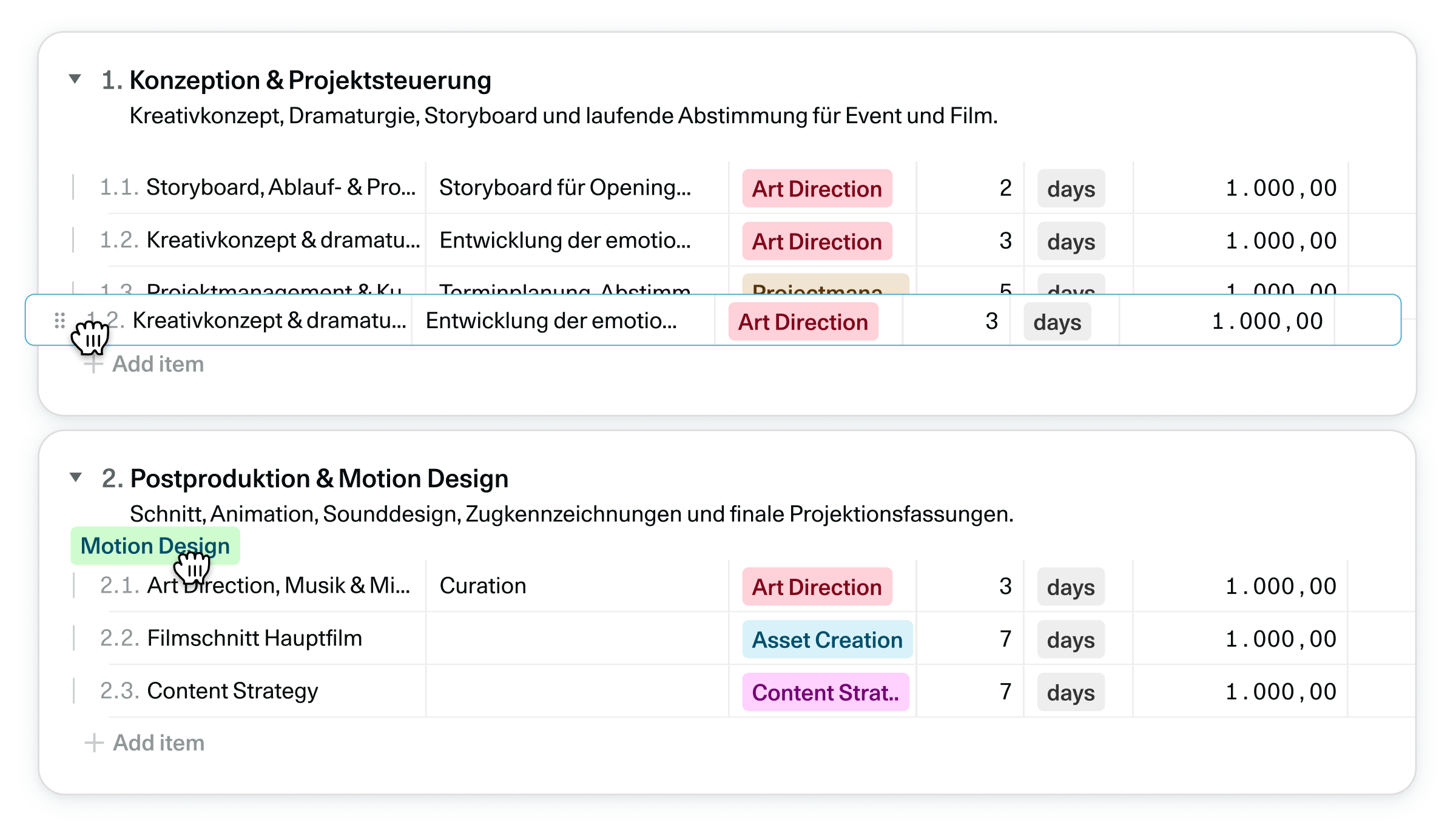
Items with quantity, price, and cost source; nested outline levels via drag-and-drop—and multiple users working simultaneously on the same calculation, synchronized in real time. Even large quotes remain easy to navigate.
OS/ AI
In: The briefing. Out: The proposal.
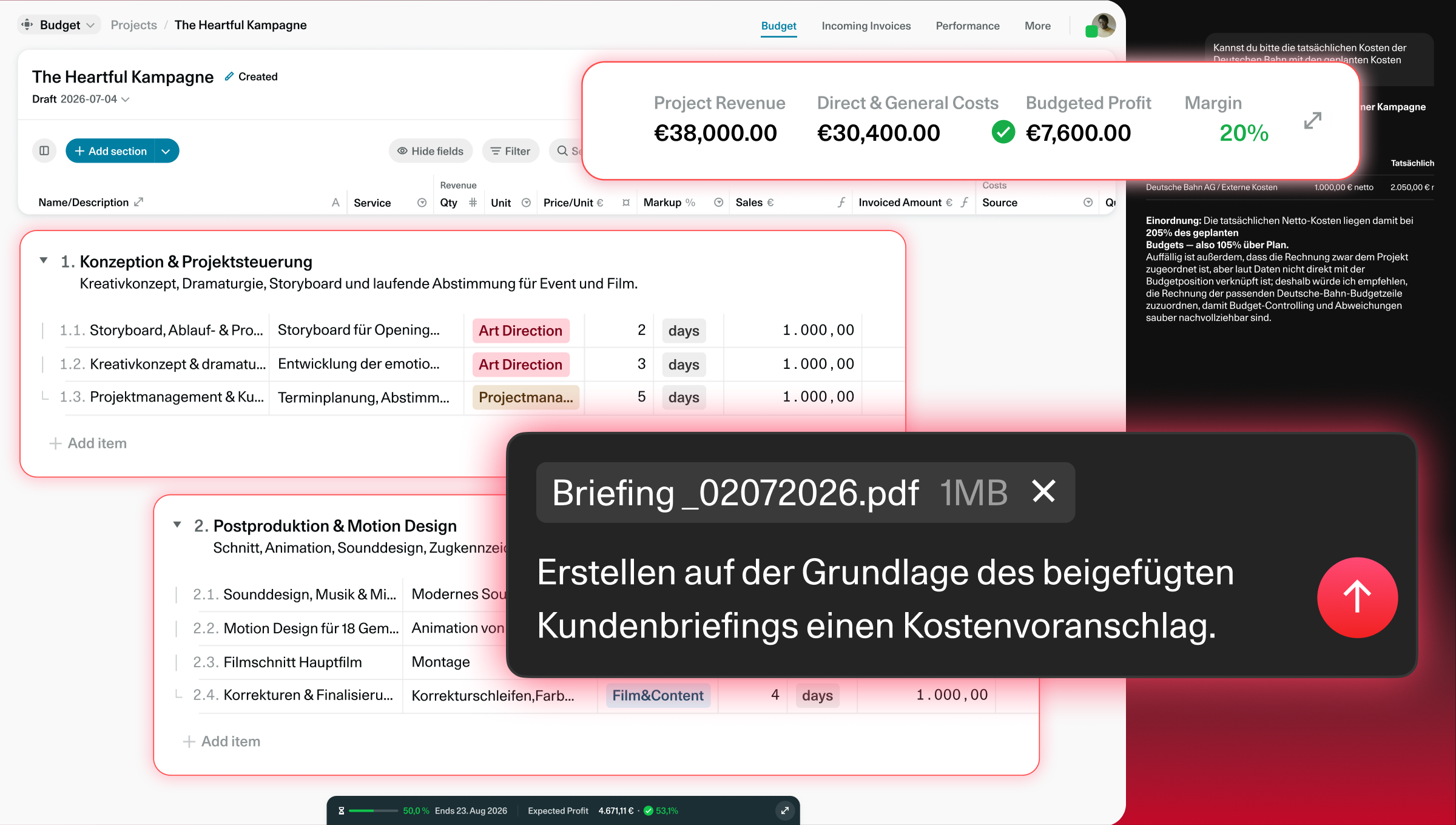
OS/AI generates complete cost estimates based on briefings—including a breakdown, services from the service catalog, and prices from the rate card. It imports existing Excel or PDF cost estimates in a structured format, adjusts budgets on command (“Increase to €15,000”), and checks the quote for missing items and duplicates before sending it.
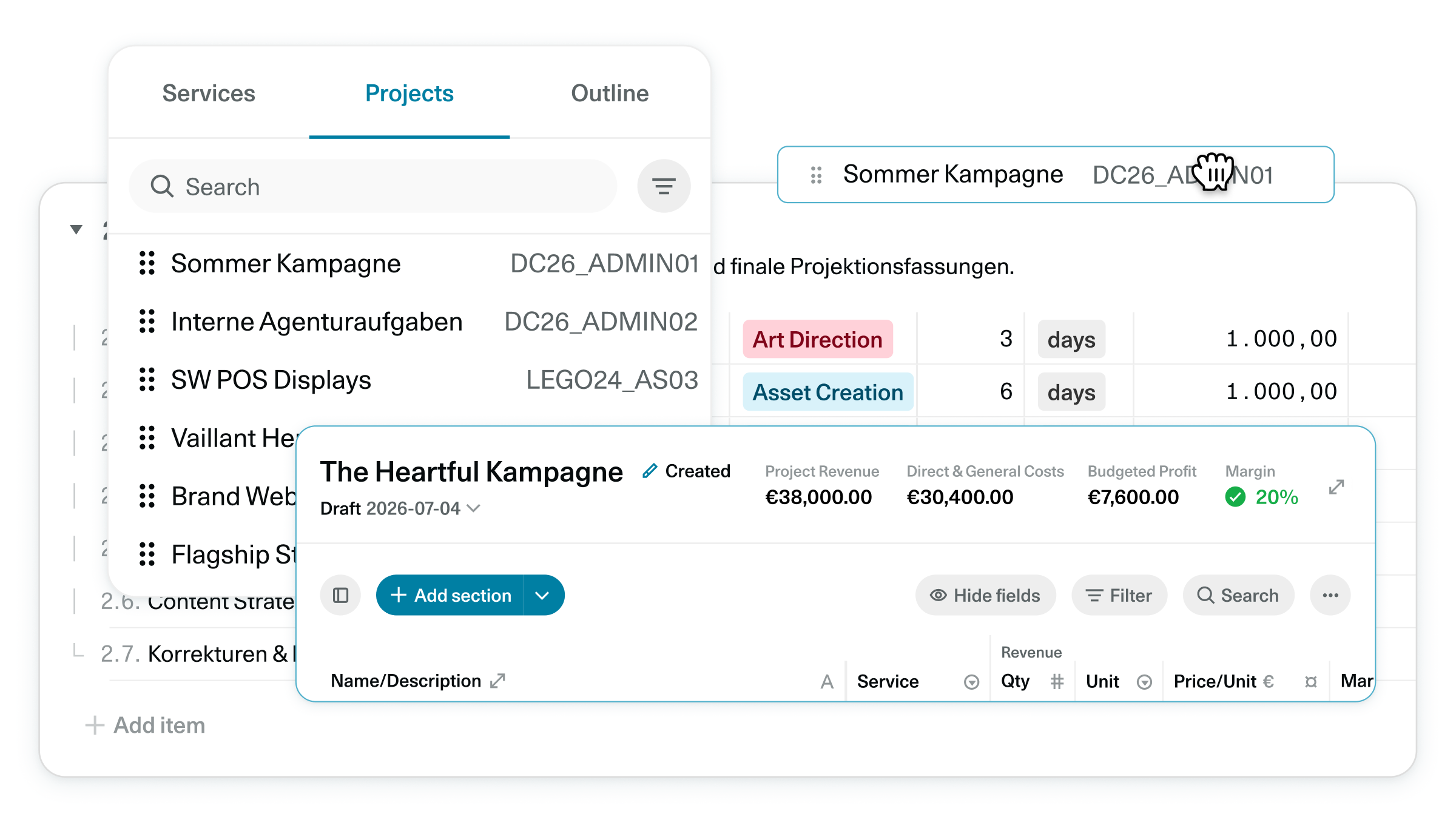
Magic Sidebar
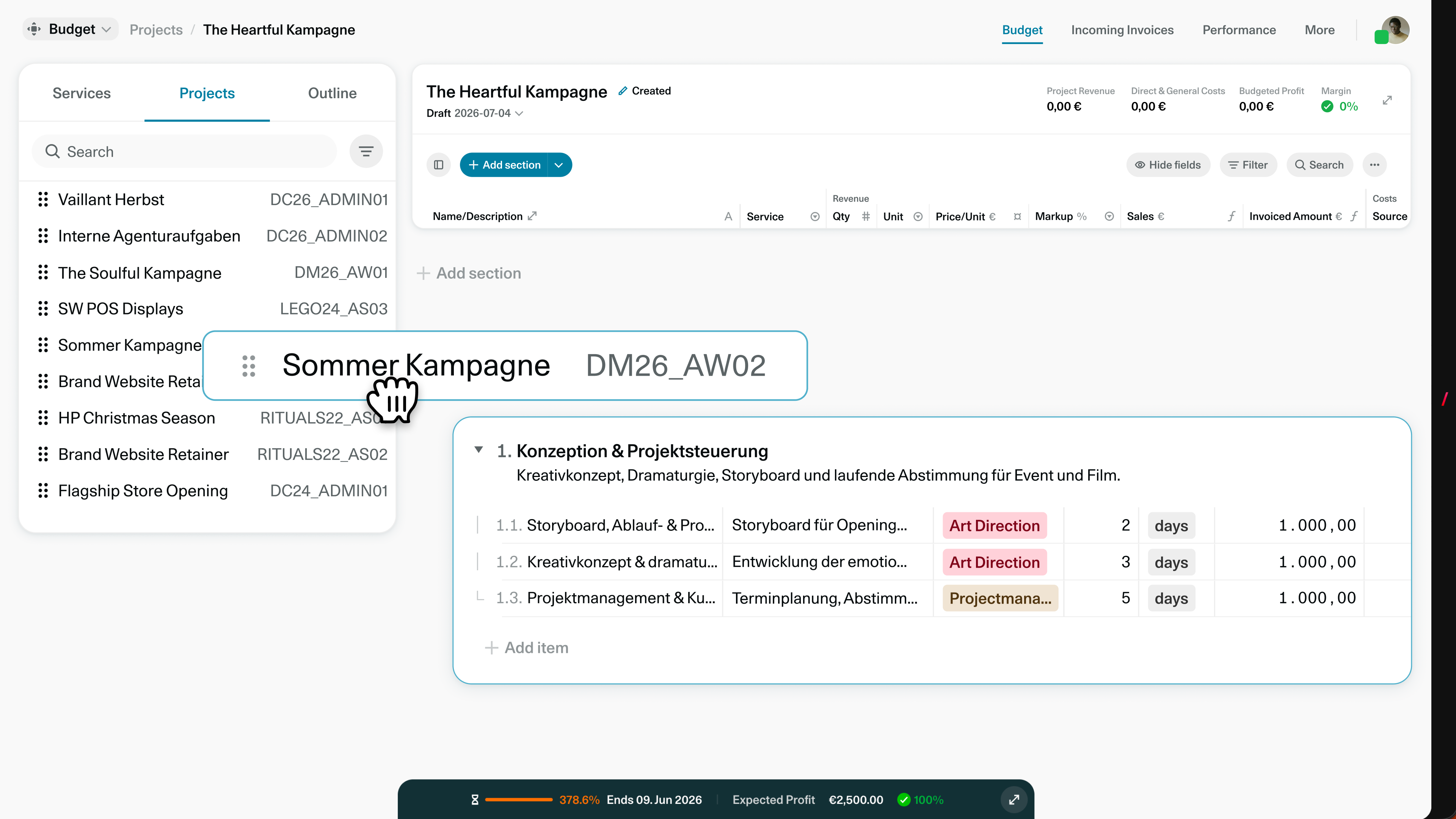
Reuse proven calculations using drag-and-drop.
The sidebar opens all projects: You can drag entire budgets, individual sections, or line items directly into the new estimate. No duplicate work—consistent quotes in minutes.
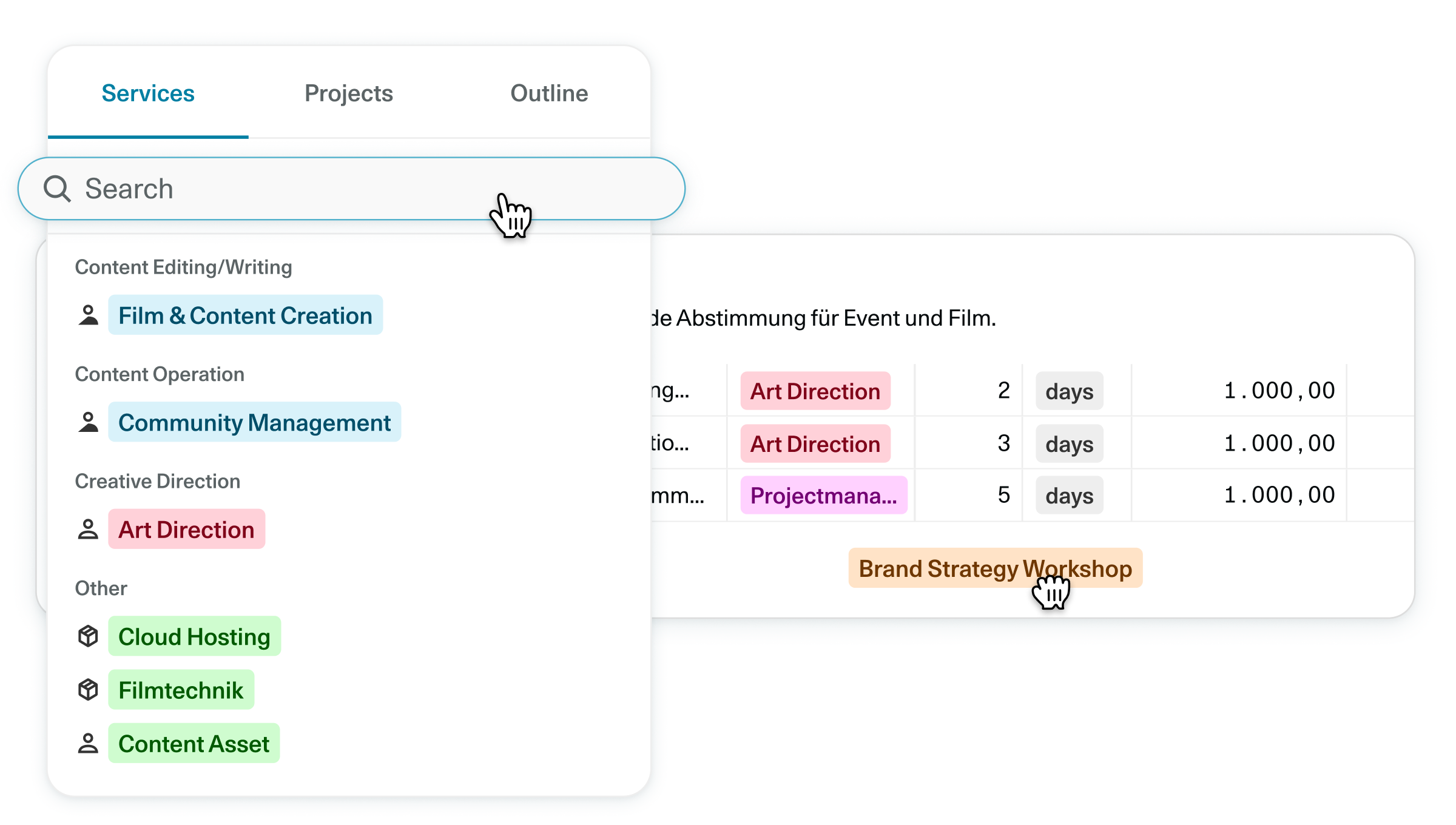
Service Catalog
Your price list automatically fills in the calculations.
All services are managed centrally, including selling price, purchase costs, and unit—by customer or business unit, if desired. Select an item, and the name, description, and prices are automatically populated. Consistent, without anyone having to make up prices.
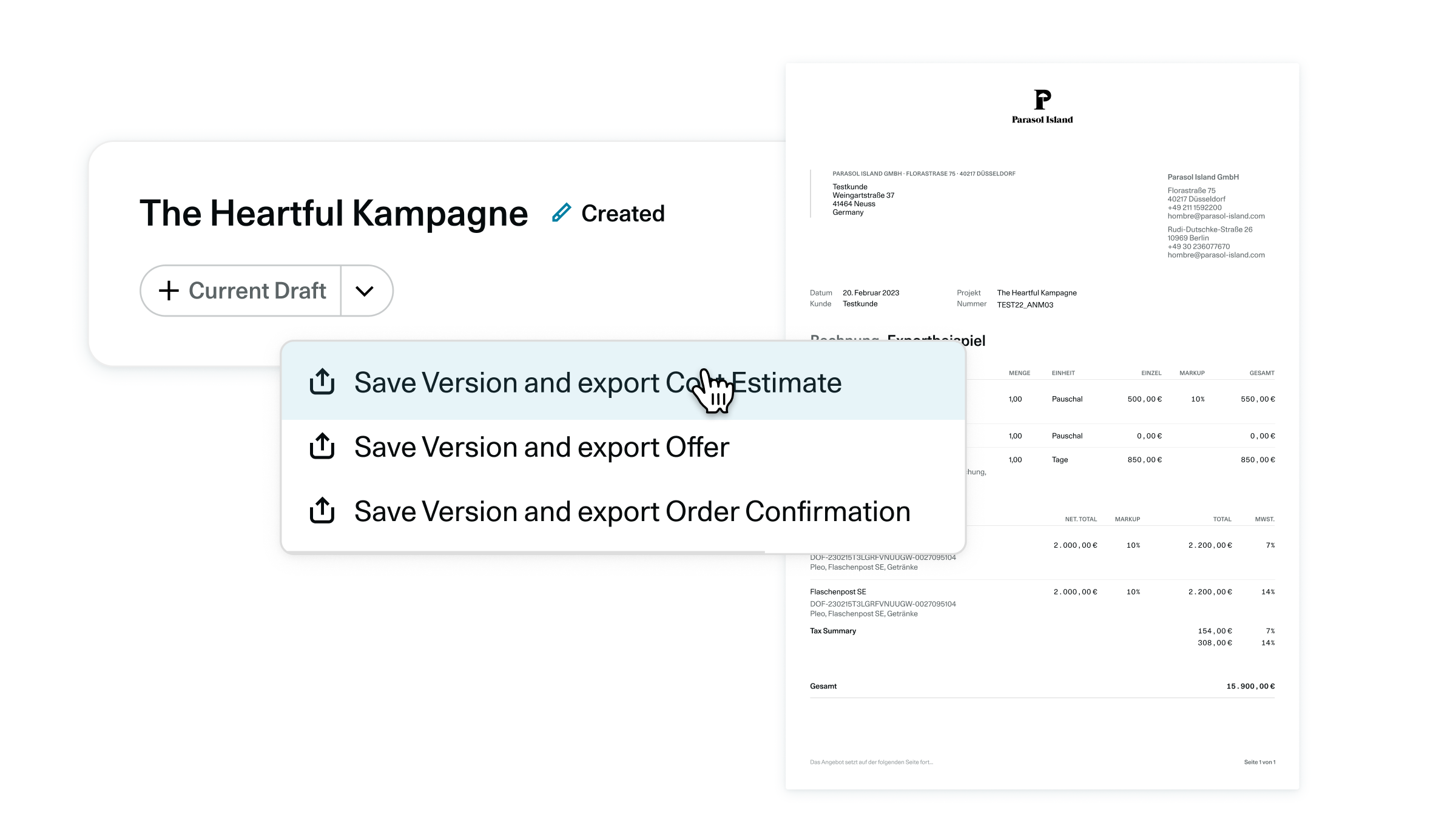
Export Quote
Quotes in your design — every version saved.
With a single click, you can export a cost estimate, quote, or order confirmation as a PDF in your company’s branding. Each time you export, OS/ saves the current budget status as a recoverable version—ensuring that every stage of the negotiation remains traceable. Individual line items can also be exported as addenda.
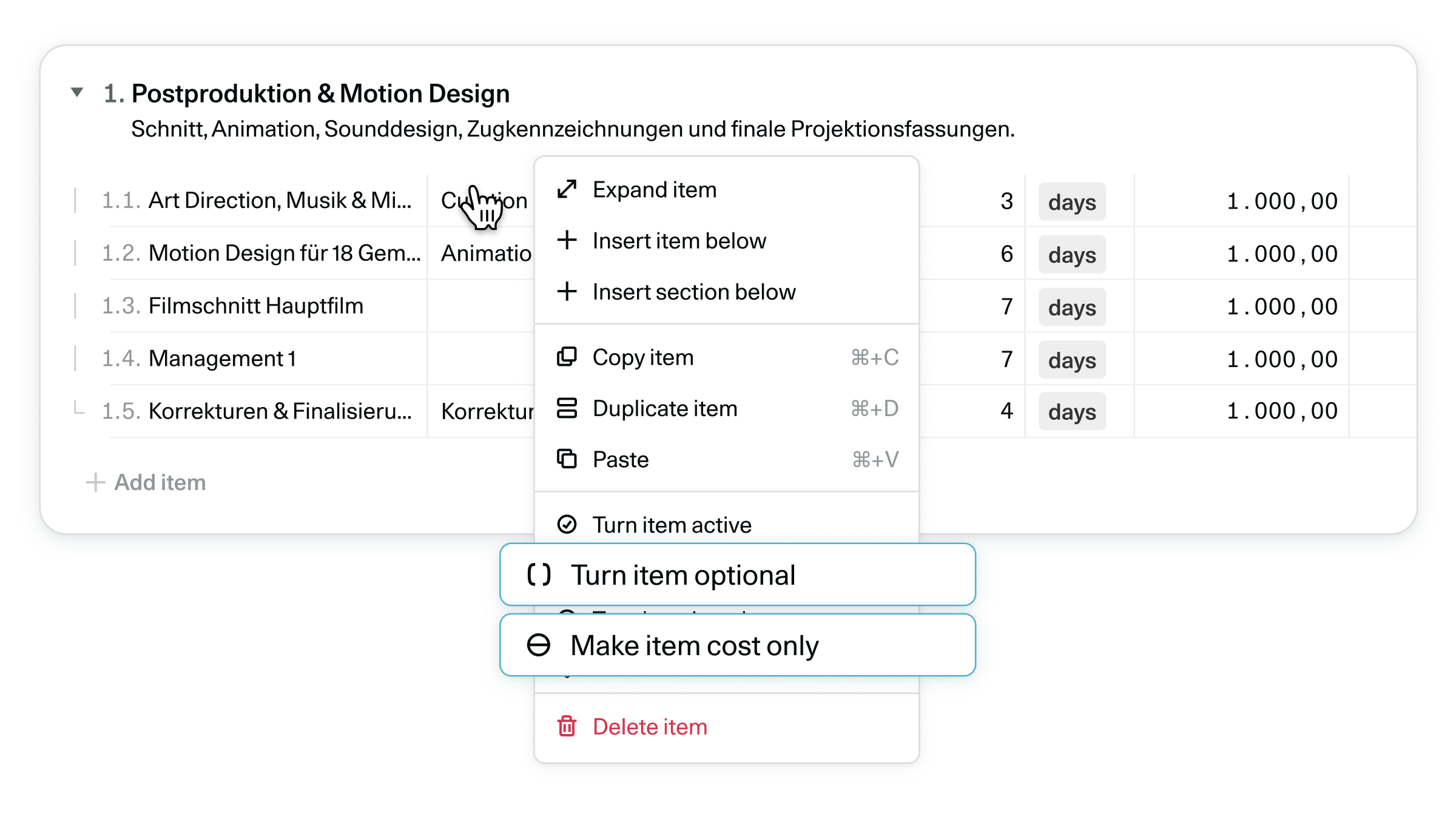
Calculation Options
A budget for every type of offer.
Fixed price, optional items, cost-only pricing, disabled sections: The customer sees exactly the layout that matches the quote—while you maintain full transparency into costs and margins internally.
Cost Accounting Meets Management Accounting
Your estimate sets the expectation.
Every calculation is based on True Labor Costs—the actual labor costs derived from salary, social security contributions, and the work schedule model. Before a quote is sent out, the Budget Explorer shows where the margin comes from. And once a project is underway, the quote serves as a benchmark: Expected-Controlling highlights it in color as soon as a project exceeds the budget.
What OMR users say about OS/ agency software
This is how independent OMR users rate OS/.
Agency software: Finally, an AI integration that’s been thought through from start to finish.
OS/Al is by far the most comprehensive and effective integration of AI into agency software that I know of. It has significantly streamlined our entire proposal-writing process as a digital marketing consultancy.

“OS/ helps us to keep an overview”
"Creating and managing projects, including preparing quotations - Tracking times for projects and the associated budget analyses - The options for hiring team members"

“OS/ is great, makes my calculations faster and easier to control. A great tool!”
"The software is incredibly fast and easy to use. I can use it to create calculations within a very short time and work on them synchronously with colleagues. The way the controlling is structured is also very helpful. You can rely on being able to see a precise actual status of the project and get an outlook on how the project will be completed."

Try OS for 6 weeks.
No obligation. Free of charge.
Try OS for free for 6 weeks with your entire team — no limitations, as many users as you want, and all features included.
FAQs
Can OS/ AI create a proposal based on a client briefing?
Yes. Simply provide the briefing as text, a PDF, a Word document, or a screenshot in the chat—the OS/AI will use it to generate an outline, line items, and descriptions, complete with pricing from your rate card. Requirements such as target budgets are incorporated directly.
Does OS/ support custom pricing?
Yes. Services can be restricted to specific customers or business units – as individual price lists with lockable prices.
Can I import existing calculations from Excel?
Yes. OS/ AI imports calculations from Excel, CSV, and Word files, PDFs, or screenshots as a structured project budget – including quantities, prices, and cost types.
Can I send quotes in my own design?
Yes. OS/ exports quotes as PDFs using your letterhead, fonts, and brand colors—in the document language specified for the project. Every version is saved automatically.
Can I offer fixed prices and optional line items?
Yes. With the calculation options, you can show the customer fixed prices (flat rates) or optional additional services – while internally, every line item remains with its associated costs and margins.
Does AI-powered offer creation really work reliably?
Yes — if the AI not only generates text but creates structured offers based on your service catalog. OS/ AI uses your stored services, hourly rates, and and previous calculations to generate consistent offers. You can iteratively adjust quantities, prices, and restrictions — the AI agent directly implements the changes in the budget.